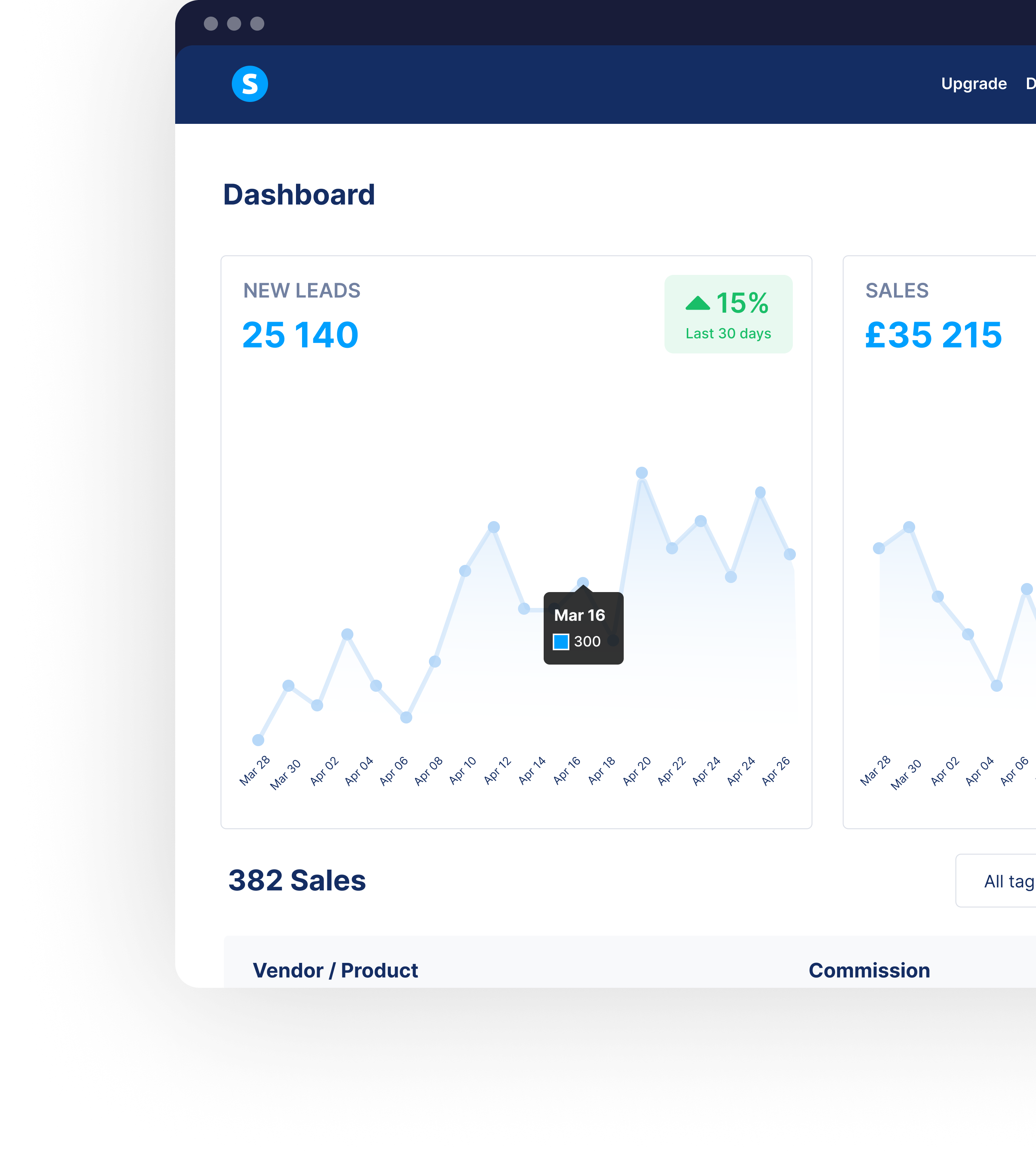
Systeme.io review: a practical starting point for your first online offer
An online business can become complicated before it makes its first sale. You need somewhere to explain your offer, collect interested people’s email addresses, accept payment, and deliver what they bought. Buying a separate tool for every step can leave a beginner managing software instead of improving the product.
Systeme.io is worth considering because it brings those tasks into one service. Our editorial recommendation is to evaluate it with one small, complete offer: a useful free resource, a short email sequence, and a focused course or coaching product. This review is based on official documentation and published plan information, checked September 21, 2026. We have not conducted a hands-on product test, measured conversion rates, or verified a particular creator’s earnings.
Who Systeme.io makes the most sense for
The strongest potential fit is an independent educator, coach, consultant, or creator who wants a straightforward route from an interested visitor to an enrolled customer. Consider a language tutor selling a pronunciation mini-course, a consultant offering a planning workshop, or a craft teacher building a beginner lesson series. Each has a defined offer and a relatively simple customer journey.
The useful question is whether your business needs the connection between pages, email, checkout, and delivery. If it does, a combined platform deserves a trial. If you only need a portfolio, or already have a reliable business setup you enjoy using, replacing everything may create more work than it saves. A low advertised price is only valuable when the product fits your actual process.
We would start with one audience and one outcome. Write down what someone should learn or achieve, the material you will provide, and the support included. That exercise helps you judge the software against a real project. Otherwise, it is easy to spend a week comparing features that your first customers will never use.
Sales funnels: give the visitor a clear next step
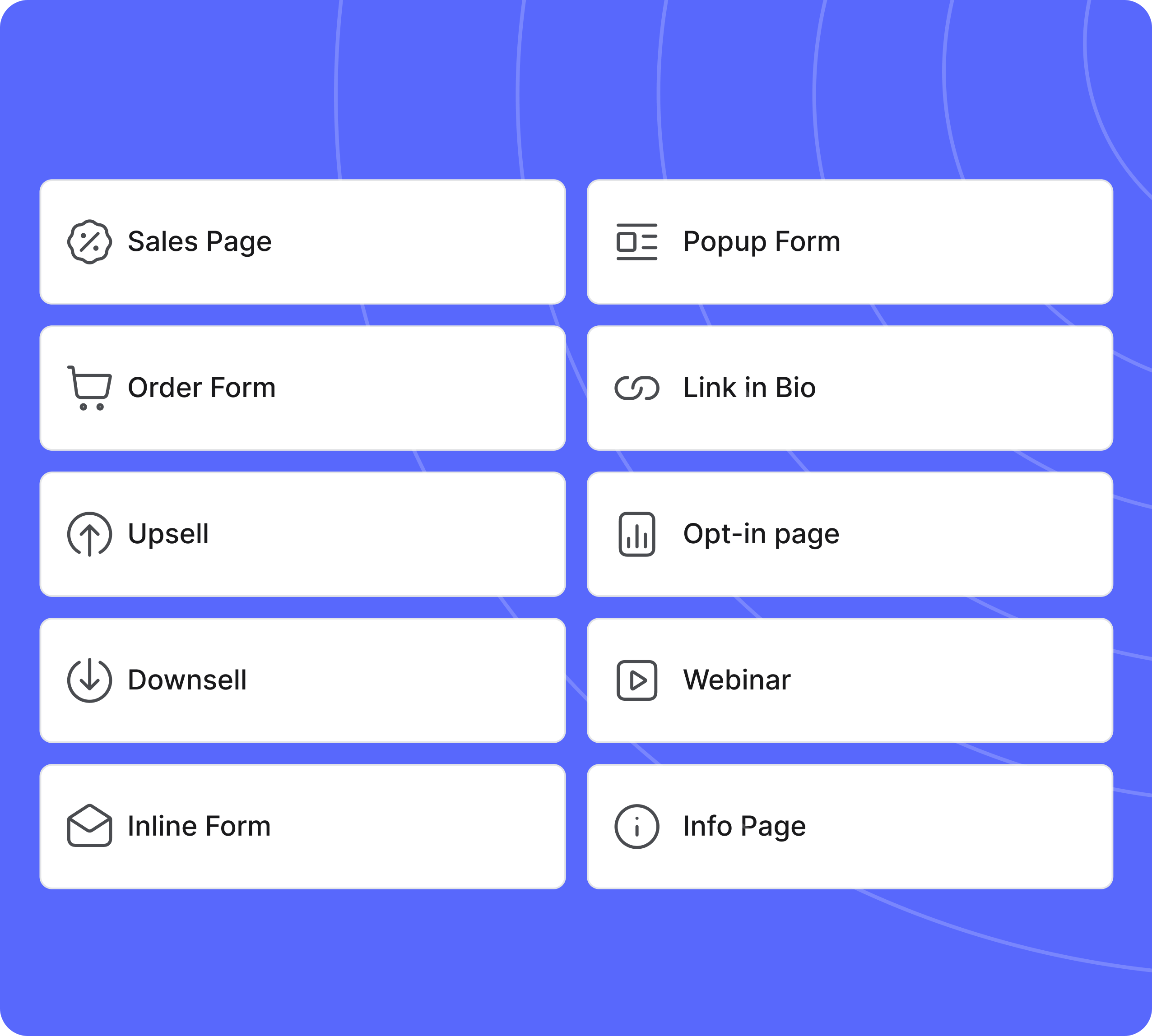
A funnel is simply a connected sequence of pages. For an introductory course, that might mean a signup page, a thank-you page, a course description, and an order form. Systeme.io lets you create sales pages from templates or a blank starting point. Its editor organizes page content into sections, rows, and elements such as text, images, and video. See the official page editor guide.
That structure could suit a creator who needs a clear explanation and an obvious action more than an elaborate website. A useful sales page should explain the problem, show what the buyer receives, identify who it is suitable for, and disclose the full price. Real samples and a specific syllabus are more persuasive than an oversized promise.
Our suggested first version would use a short opening explanation, three concrete benefits, a sample lesson, and a visible purchase button. Then check the complete page on a phone. Readability, comfortable spacing, and a working button matter more than adding decorative sections. This is an editorial starting point, not a layout we have tested for sales performance.
Email campaigns: useful follow-up needs good content
Systeme.io supports email campaigns with a sender name, sender address, individual messages, and configured sending delays. You can use a simple email editor or a visual layout editor. Its documentation also describes sending test messages before you activate the sequence. These are practical basics for delivering a resource and helping a new subscriber understand your topic. See campaign setup.
For a first campaign, we would write three messages. Deliver the promised resource in the first. Use the second to explain a common mistake and provide a small exercise. Let the third describe the paid offer, including who should skip it. Every message should make sense even if the reader has forgotten the page where they subscribed.
Automation is useful when the messages answer genuine questions. It cannot make an irrelevant offer valuable. Review each email as if you were receiving it after a busy day: does the subject match the content, is the instruction clear, and is the next step appropriate? Keep the initial timing simple so you can understand and troubleshoot the journey before adding more conditions.
Your website domain and email identity need separate attention
Connecting a website address and authenticating an email domain are separate setup tasks. The website connection uses DNS records supplied by Systeme.io. Its official instructions warn that moving an address already assigned to another website affects that existing site. If you want to keep your main website, investigate a suitable subdomain for the new pages. Follow the domain connection guide.
For email, the help center says a custom domain must be authenticated and the sender address confirmed. Its authentication instructions describe generated DNS records and explain that personal provider domains such as Gmail cannot be authenticated by you. This is a meaningful setup requirement for a beginner, even when the software plan is free. See the official authentication explanation.
Budget for your own domain and any mailbox service you choose. Use a sender name that a subscriber will recognize, and check where replies arrive. Authentication is part of a sound setup; it does not promise inbox placement. Test the whole journey with addresses you control before inviting a wider audience.
Courses: connect the purchase to the learning experience
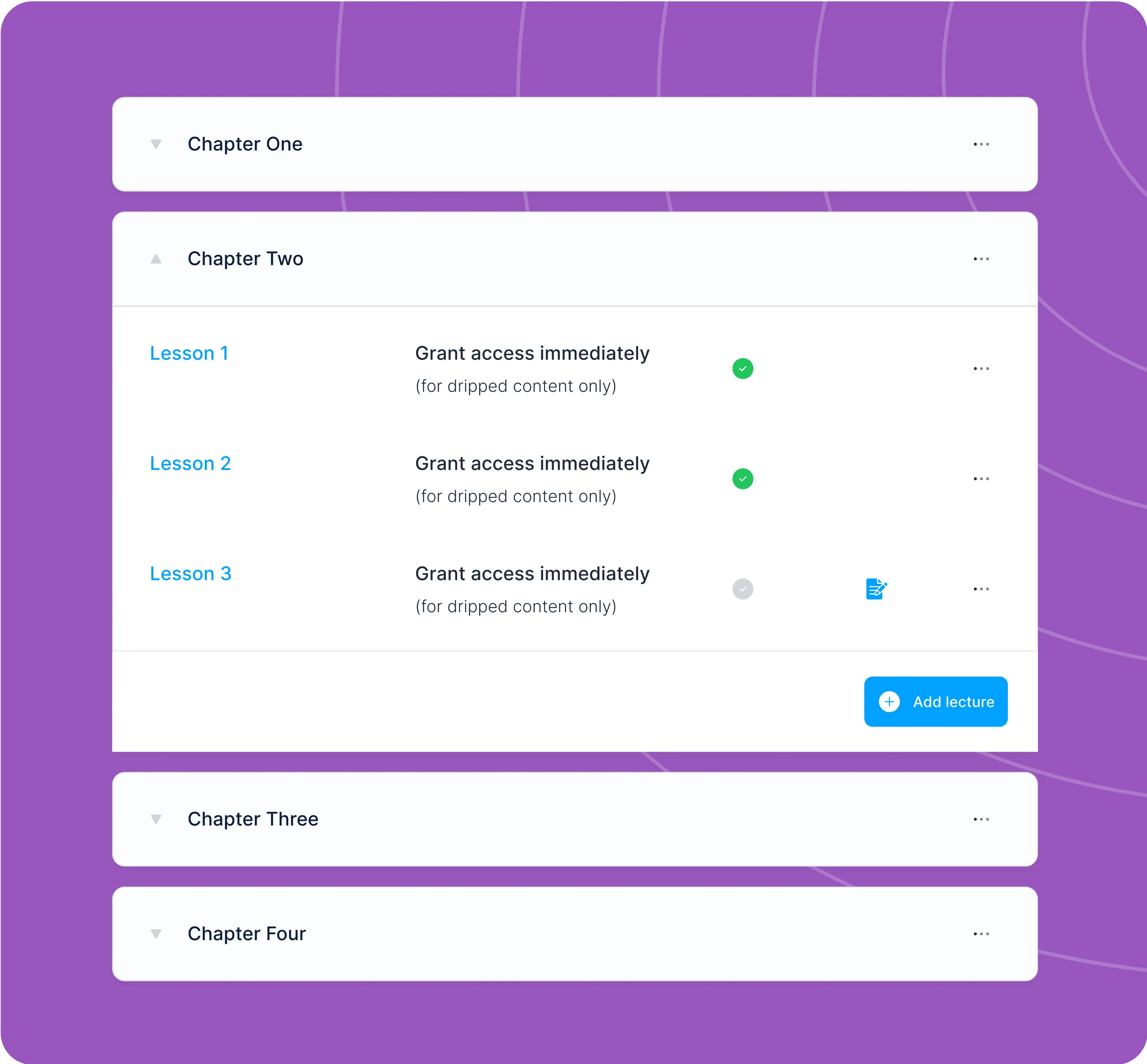
Systeme.io can attach a course to a digital product on an order form. Its course documentation describes full access, selected-module access, and gradually released lessons. After enrollment, students receive an email explaining how to set their password and reach the course. The same documentation says that this automated enrollment email currently cannot be customized. See selling an online course.
For a focused starter course, we would prefer a short sequence of useful lessons over a large library assembled to look impressive. Give each lesson one objective, one explanation, and one exercise. A downloadable checklist or worked example can help students apply the material. Judge the course area by how easily a learner finds the next action.
Choose the access method deliberately. Immediate access suits a self-paced reference course; a gradual release may suit practice between lessons. Test the exact scheduling behavior you intend to offer before advertising it. If your promise requires specialist grading, accreditation, or a particular learning management standard, confirm that requirement explicitly. A page that hosts lessons is only one part of delivering a successful learning experience.
Automations: start with one dependable rule
Systeme.io automation rules pair a trigger with an action. The official examples include a form subscription, a new sale, or the addition of a tag starting the next step. A separate guide explains using a rule to subscribe someone to an email campaign. That provides the connection between a signup page and a welcome sequence. See the email automation guide.
Our first rule would be intentionally small: someone requests the starter resource, so they enter its related email campaign. Give the rule and campaign descriptive names. Keep a short written explanation of what starts it and what the subscriber receives. This makes the setup easier to inspect later, especially if you add another product.
Before activating anything, map what should happen to a person who signs up twice or later purchases. Check that buyers are not left receiving an inappropriate introductory pitch. We have not tested those edge cases in an account, so treat them as evaluation tasks. A small automation you understand is more useful than a complicated sequence you are afraid to change.
Checkout and pricing: make the purchase understandable
The platform’s digital-product pricing instructions cover one-time payments, recurring subscriptions, and fixed payment plans. The order form determines which resources the customer receives. These options can support different offers, but the right choice depends on what you will continue to provide. See price plan configuration and the order form guide.
A one-time purchase is often the clearest starting point for a short course. An ongoing subscription should have an ongoing reason to exist, such as continuing lessons or access you actively maintain. A payment plan spreads a defined total across installments. State the total, schedule, access conditions, and refund terms plainly before the buyer reaches the final button.
Systeme.io advertises 0% platform transaction fees; payment processor charges still need to be included in your costs. Review the processor available to you, its supported country and currency, and your actual checkout before launch. Measure revenue after fees, refunds, and delivery costs. A completed sale and a profitable sale are different figures. See published platform pricing.
A blog can answer the questions behind a purchase
Systeme.io includes a blog workflow with posts, pages, categories, and a shared layout. You can set a post title, description, URL path, and main image, then activate the post when ready. The official guide also describes an automatically generated RSS feed. See creating a blog and publishing a post.
For a small teaching business, the blog should make your expertise useful before someone buys. A pronunciation tutor could explain a difficult sound with a short practice exercise. A business coach could publish a worked planning example. Each article should help a defined reader complete a real task, then link naturally to a related resource or course.
We would begin with three substantial articles drawn from questions people actually ask. Keep the publishing schedule realistic and update instructions when they change. A built-in blog provides a publishing surface; it does not create search demand or guarantee rankings. If editorial publishing is your main business, evaluate its layout, search, organization, and maintenance needs as carefully as the checkout.
A sensible first project: one resource and one offer
Here is an illustrative project for a coach who teaches weekly planning. Create a short worksheet that helps a reader choose three priorities. Build a page describing the worksheet and explaining the emails the person will receive. After signup, show a thank-you page that tells them to check their inbox and offers one useful action they can take immediately.
Next, write a welcome email that delivers the worksheet. Follow it with an example of a completed plan and then an invitation to a focused workshop. Build the workshop page around its agenda, intended audience, materials, price, and support. Connect the order form to the relevant course resource so the purchase and delivery belong to the same journey.
This is a proposed workflow, not a published business or a reported result. Test it using your own contact details and a controlled checkout process appropriate to your payment provider. Confirm each message, button, and access step. Ask a willing tester to explain what they think they are receiving before you show them how it works.
Only then consider adding another resource, more elaborate automation, or a second offer. A complete small journey reveals useful problems: unclear wording, an unexpected email delay, or a confusing lesson introduction. Those findings give you something concrete to improve. An unfinished collection of pages and campaigns is harder to evaluate.
Start with the free plan and evaluate the real costs
The published free plan includes up to 2,000 contacts, three sales funnels, one blog, one course, and one custom domain. It does not require a credit card and is described as having no expiry. Current monthly prices are $17 for Startup, $47 for Webinar, and $97 for Unlimited. Check the live pricing page for the full limits and checkout terms.
Those free allowances are sufficient to investigate the proposed first project without assuming you need a paid subscription. The sensible upgrade trigger is a specific limit or required capability you have actually reached. A more expensive plan should solve a known problem. It does not validate an offer or bring a ready-made audience.
Your total budget should also account for a domain, a suitable sender mailbox, payment processing, content creation, and any outside tools you retain. Compare those costs with the setup you would otherwise use. If you later choose annual billing, read the amount charged today and the renewal terms before paying. A discounted annual equivalent is still an upfront commitment; a cheap unused subscription is an expense.
The trade-offs to investigate before moving everything
A combined platform concentrates several business functions in one account. That can simplify daily work, but it also means you should understand how account limits, billing, and access affect your pages and customers. Keep independent copies of your original lessons, images, and important business records. Before migrating, identify which data you can export and which page or automation work would need to be rebuilt.
Some limitations are concrete. The course enrollment email has restricted customization, and email scheduling can be confusing if you combine several timing conditions. The help center also documents account restrictions when limits are exceeded, including interruptions to sales, email, or student access in relevant cases. Review the account restriction policy against your chosen plan.
Compare alternatives around the requirement that matters most. If complex teaching tools drive your business, evaluate dedicated course platforms. If sophisticated email segmentation is essential, assess specialist email services. If your current website already works well, a smaller addition may be enough. We are not assigning competitor scores without a comparable test. Write down three non-negotiable requirements and ask each candidate to satisfy the same checklist.
How to decide whether it works for you
Set a modest evaluation goal: publish a complete practice journey and explain every step without relying on guesswork. Track the time it takes to build the page, connect the domain, prepare the emails, configure delivery, and fix mistakes. Separate one-time learning effort from tasks you will repeat for every new offer.
Inspect the customer experience on a phone and a desktop. Can a visitor identify what is included, understand the price, find a contact route, and read the page comfortably? Do emails contain the promised links? Can a learner log in, locate the first lesson, and tell what to do next? These observations are more informative than counting dashboard features.
If you already use other software, run the same small project there before deciding to migrate. Compare the effort, the missing capabilities, and the full monthly cost. Keep your assessment grounded in the workflow you actually need. Do not switch simply because a review calls a tool essential.
After launch, choose a few useful measures: relevant page visits, completed signups, purchases, refund requests, and learner questions. None is a guaranteed outcome of using Systeme.io. They tell you whether the offer and delivery are working together, and where your next improvement belongs.
The verdict: try a complete, small project
Our research-based verdict is that Systeme.io deserves a free-plan evaluation for independent creators who want to connect a simple offer, email follow-up, payment, and course delivery. The appeal is the combination of those tools and a low entry cost. The decision should still depend on your domain setup, customer experience, plan limits, and specific teaching requirements.
Start with one useful product and complete its customer journey. If the platform handles that work clearly, reliably in your own testing, and at an acceptable total cost, you have a reason to keep using it. If an essential requirement remains awkward or unavailable, use that finding to guide your next comparison. Software should support a good offer and attentive service; it cannot provide either on your behalf.
Sources & review method
Editorial assessment based on official documentation, checked September 21, 2026. No hands-on testing or earnings claims. Product images and the video are vendor material. Pricing and features can change.